Boot poster challenge

When it comes to trying to speed up system startup, it often seems to me that the work people do is based on blind guesses as to what the actual bottlenecks are. What I’ve really wanted to see is a graphical representation of the boot process along the lines of some of the examples that Edward Tufte uses. I’ve now written this up in detail along with an offer to pay for the printing of a hard copy if someone picks up the challenge.
Screenshot Update

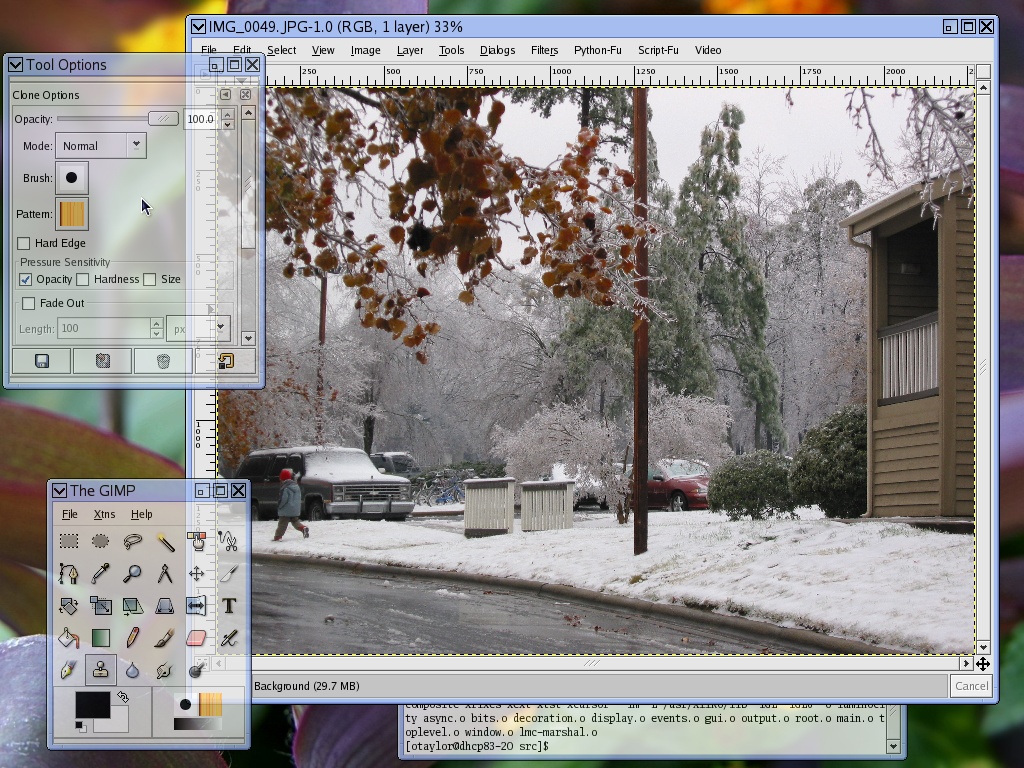
Here’s an update of my Luminocity screenshot from a few weeks ago:

As you can see, the main difference is, as promised, window decorations. What doesn’t show up in the screenshot is just how nice resizing with those decorations is. No flash, no flicker, no jitter, no redraws. I could sit there for hours making windows bigger and smaller….

Texture profiling

With the work I’ve been doing recently with luminocity, I realized that I had absolutely no idea of what was going on for video card memory usage. Rather than putting some one-off print statements into the card driver, I decided to try and make something a little more reusable and convenient. That Sunday-afternoon project ended up taking most of this week, but I’m pretty happy with the result: texturetop. The obligatory screenshot:

In order to have a decent chance of getting this upstream and out of my hands, texturetop is a text-mode client. No GTK+, no GLib. Actually, texturetop is just a minimal front end. The somewhat larger piece of work was adding code to Mesa/DRI to get it to connect to texturetop and provide the information. libGL and texturetop talk a text-based protocol over a socket, so it was an opportunity to dust off my “how to listen on a socket” skills as well as my “how to write a linked list by hand” skills.

We have dozens of profiling tools on Linux, from oprofile and valgrind, to memprof, xrestop, and texturetop. Is there some way that a “profiling console” could be created that would provide access to all this disparate information and integrate it together?

Virtual events

One of the central objects in the GLib main loop is GSource. What is GSource the source of? Events. But where are the events? There is no event object, and the docs very seldom mention events (though they do frequently talk about “event sources”.) What I realized last night is that there really are events in the GLib main loop, they are just virtual: a concept without an object behind it.

A lot of the GLib main loop becomes clearer when viewed in this light: the return value of the ‘check’ and ‘prepare’ members of GSourceFuncs isn’t “TRUE if it is ready to be dispatched”, but rather “TRUE if there are any pending events for this source”. g_source_set_can_recurse() actually sets whether the source can have multiple outstanding events. Recursion becomes a whole lot more conceptually simple: we’re simply pulling more events off the event queue and processing them before we finish processing the last one.

Of course, because I didn’t realize this when I created the main loop interface in 1998, or when I revised it for GLib-2.0 in 2000, there are some places where the match isn’t exactly perfect. For example, g_main_context_dispatch() should dispatch only the single event at the front of the (virtual) event queue: instead it dispatches one event from each GSource that has pending events and who’s priority matches the priority of the highest priority GSource that has pending events. (whew!)

Luminocity

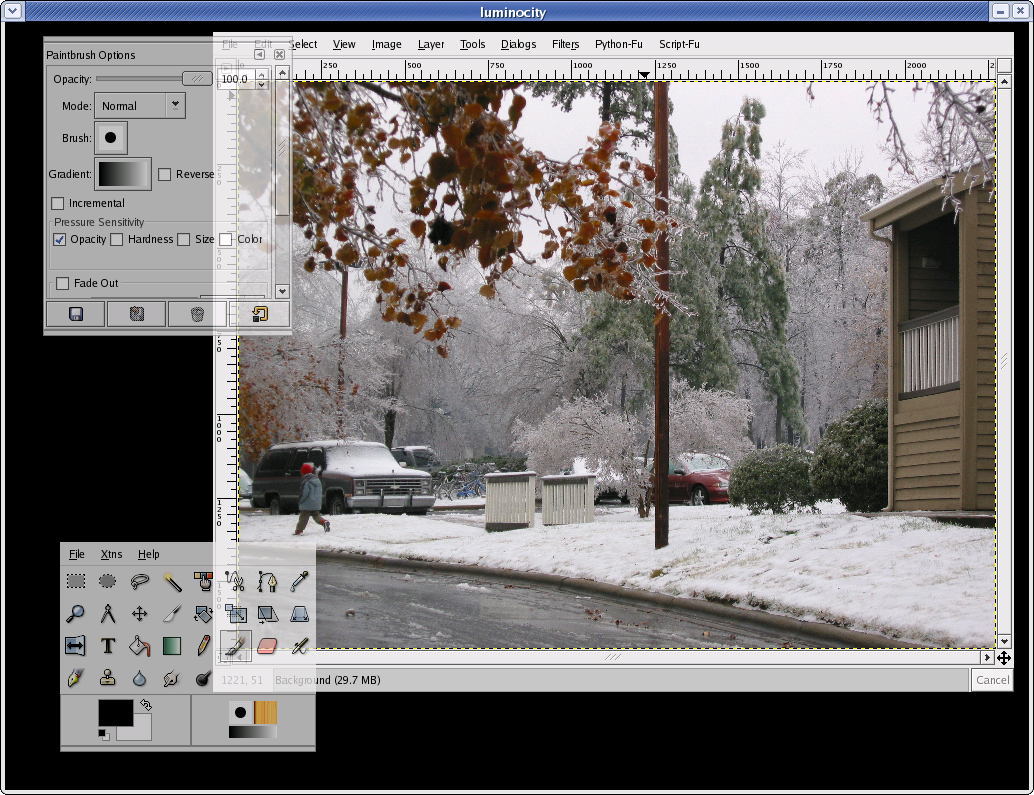
Over the last week or so, I’ve been working on a new toy, a combination window manager and compositing manager with GL output called ‘luminocity’. Note the word toy: I have no intention of ever worrying about all the edge cases and broken legacy clients that you need in a real window manager. I do, however, intend to add title bars.

Despite the quick-hack nature of luminocity, I’ve had quite a bit of fun with the code. It’s nicely modularized with lots of GObjects and signals. It has a separate rendering thread for the GL output. There is some advanced Xlib programming to keep everything async. And it uses X extensions by the boatload: XFIXES, SYNC, DAMAGE, Composite, XTEST. (And GLX, of course.)

The way that luminocity works is that you run luminocity against an offscreen X display (I’ve been using the kdrive based Xfake X server.) It asserts itself as the window manger and compositing manager for the display and pops up the output in a window. Input is forward back from the window to the offscreen display. This makes for a very cool development process. You run some apps against the offscreen server. You start luminocity, look at how the apps look. Play with them, move them around. You quit luminocity, make some code changes, restart luminocity. The apps are still there. It’s a lot of fun.

What’s next? Title bars. Some effects to take advantage of GL – animations and live minimization. Some work studying the performance bottlenecks. (Texture swapfests seem to be a problem at the moment.) Maybe some work on application synchronization. But in the end, the work that Søren is doing on Metacity’s CM is much more likely to be the permanent way forward. Or maybe Looking Glass. Luminocity has about the same architecture as Sun’s Looking Glass, it’s just much simpler and smaller, all written in C, and I have no plans to add 3D client support to it.